Or think, “Not now, I’m busy,” or “What if my phone gets slow?”
If yes, you’re definitely not alone. A lot of people delay OS updates, even though they’re one of the simplest ways to keep your phone secure, smooth, and long-lasting.
Let’s break down why OS updates matter so much—and why you should stop ignoring them!
So, What Exactly Is an OS Update?
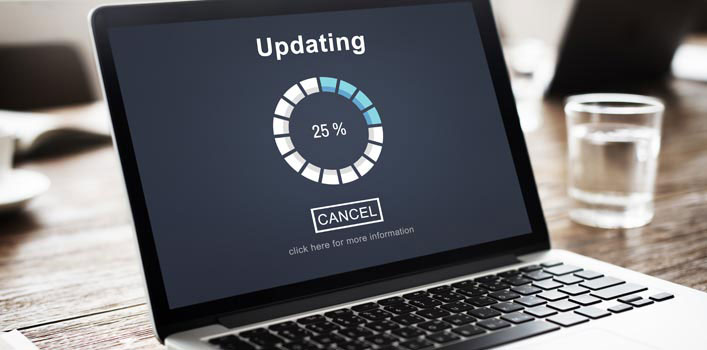
An OS (Operating System) update is a software refresh for your device—whether it’s Android, iOS, a laptop, or PC. These updates usually include:
- Bug fixes
- New features
- Security improvements
- Performance optimizations
Think of OS updates as your phone’s “regular check-up” to keep everything healthy and running well.
Why You Should Always Install OS Updates
Even though they sometimes feel annoying, OS updates actually bring a ton of benefits:
1. Security Patches for Vulnerabilities
Every OS has weaknesses. Hackers love exploiting those security holes to steal data, sneak into your system, or plant malware.
Updates come with security patches that fix all those vulnerabilities.
Imagine your OS as your house door. Updating it is like installing a stronger lock.
2. New Features You Might Actually Love
Fresh UI, better privacy controls, camera upgrades—these usually come from OS updates.
Sometimes it’s basically like getting a “new phone experience” for free.
3. Smoother, Faster Performance
Laggy apps, random crashes, battery drain—many performance issues get fixed in updates because they refine how the system works.
4. Better App Compatibility
Modern apps evolve fast and expect modern OS support. Without updates, apps may glitch or refuse to open entirely.
But… Is Updating Really Safe?
For the most part—yes, absolutely, as long as you install official updates. Still, there are a few things to keep in mind:
Risks of Not Updating:
- Your phone becomes easy to hack
- Personal data becomes vulnerable
- Apps malfunction
- System gets slower over time
Risks During Updates (If You’re Careless):
- Battery dies mid-update → corrupted installation
- Unstable internet → update failure
- Installing updates from shady sources → major security risk
So yes, updating is safe.
What’s unsafe? Not updating—or updating from unofficial sources.
Tips to Stay Safe When Updating
Keep your update process smooth with these simple habits:
✔ 1. Charge Your Battery (At Least 50%)
Even better: update while plugged in.
✔ 2. Back Up Your Data
Super rare that updates break things, but better safe than sorry.
✔ 3. Use a Stable Wi-Fi Connection
Updates are often 1–5 GB. Wi-Fi saves time and data plan.
✔ 4. Only Update from Official Settings
Never download update files from random links or APKs.
✔ 5. Read “What’s New”
It’s fun to check out what cool features you’re about to get!
When You Should Be Extra Careful
- If your device is rooted or jailbroken
- If an app (not your system) tells you to update
- If you receive update links via DM, email, or WhatsApp — don’t click those
Real OS updates come from your Settings, not suspicious messages.
Final Takeaway: Don’t Skip Updates! Your Phone Will Thank You
Updating your OS is seriously one of the easiest ways to stay safe in today’s digital world.
It keeps your device secure, fast, and compatible with the latest apps.
So next time you see “Update Available”—don’t swipe it away.
Tap it, install it, and enjoy a safer and smoother device!