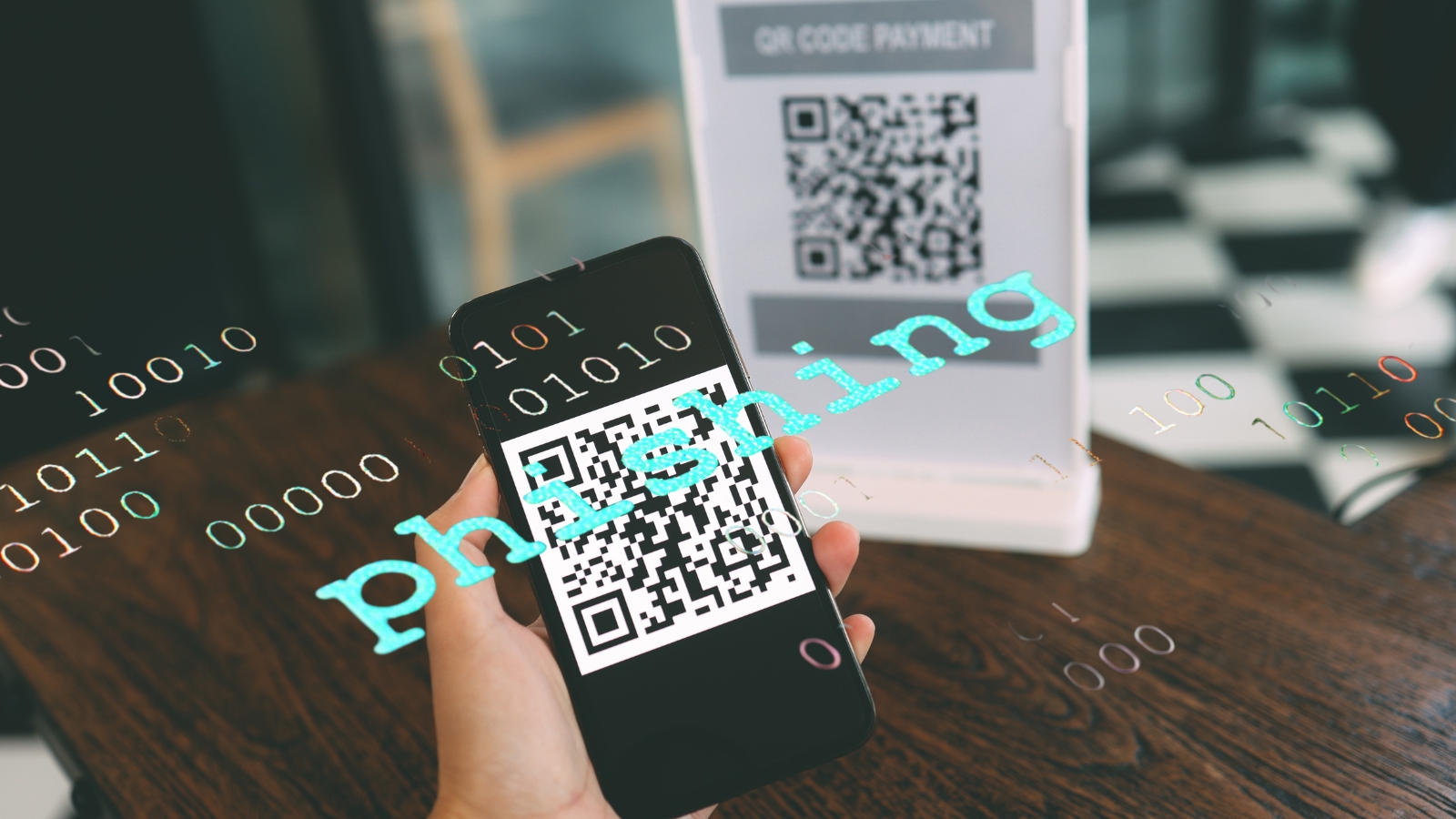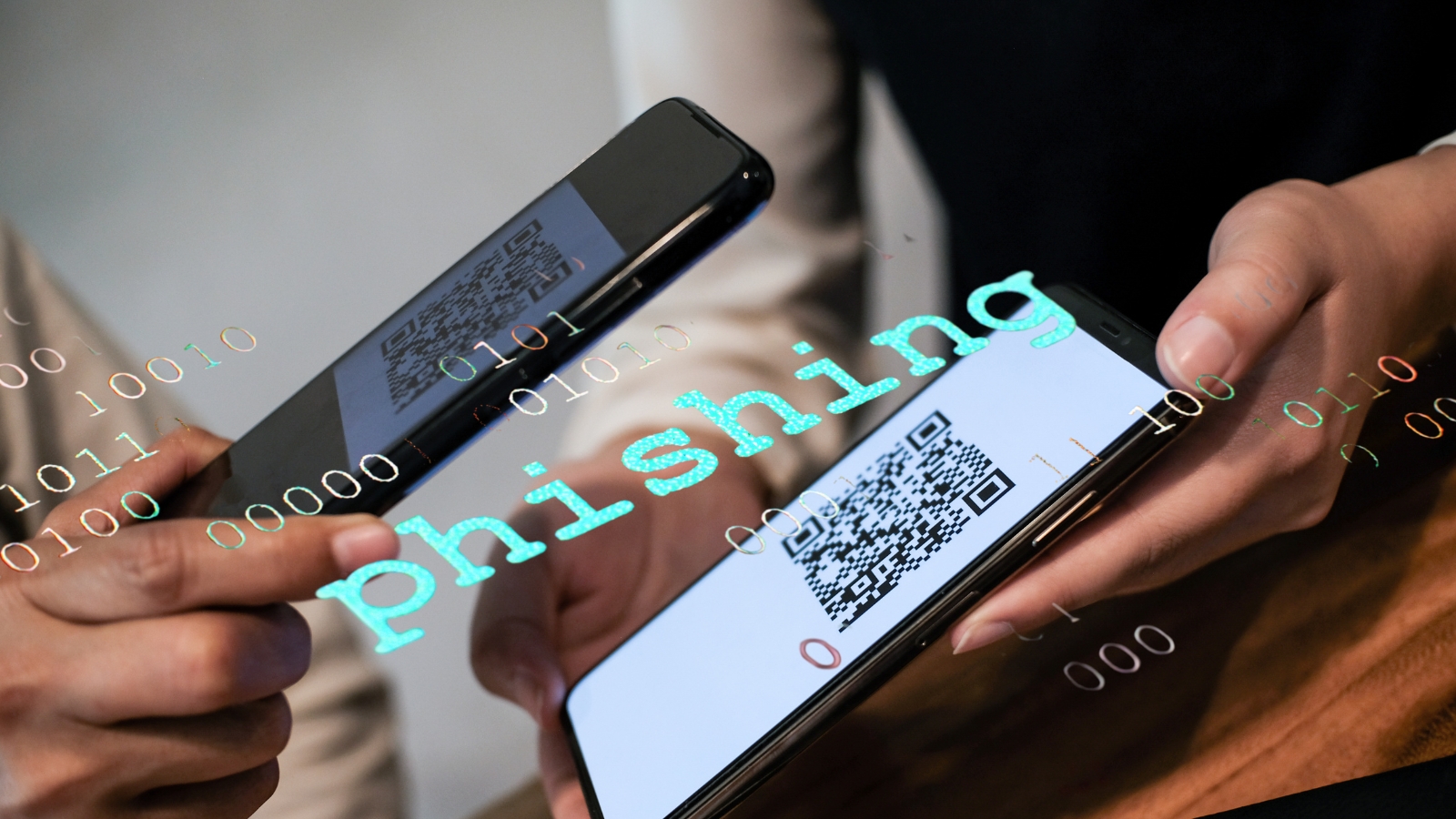
Who among us can survive a single day without scanning a QR code? Whether it's paying for your morning iced latte, viewing a menu at a restaurant, checking into a gym, or grabbing movie tickets, all it takes is a quick point of your smartphone camera—beep!—and you’re good to go.
QR codes have undoubtedly made our lives much easier. But did you know that behind this ultimate digital convenience, cyber scammers have found a brand-new playground? It’s called "Quishing" (short for QR Code Phishing).
Back in the day, scammers used to bait us with sketchy links via SMS or emails. Today, they are hiding those same malicious links inside those innocent-looking, black-and-white pixelated squares. Why is this trend skyrocketing, and how can you protect yourself? Let’s break it down.
What on Earth is Quishing?
As mentioned, Quishing is the combination of QR Code and Phishing (the practice of tricking people into giving up sensitive information).
Visually, the human eye cannot tell the difference between a legitimate QR code and a malicious one. They all look like abstract digital maze blocks. Scammers rely heavily on this visual blind spot to trick us.
Here is how a typical quishing scam unfolds:
The Bait: You receive an email, a WhatsApp message, or even spot a random sticker slapped onto a public parking meter or a restaurant table. The message usually triggers urgency ("Your account will be suspended, scan to verify!") or greed ("Scan here to claim a 50% discount!").
The Scan: Driven by curiosity or panic, you instinctively open your phone's camera and scan the code.
The Trap: The QR code redirects your phone’s browser to a website that looks identical to the real deal—be it your bank’s login page, a social media portal, or a shipping tracking site.
The Theft: The moment you type in your username, password, or credit card details on that fake page, your data is instantly handed over to the scammer.
Why is Everyone—from Teens to Adults—Falling For It?
Cybercriminals are surprisingly good psychologists. They know exactly how to exploit our daily habits based on our age groups:
For the Older Generations (Gen X & Boomers): This group generally has a high level of respect and compliance toward official institutions (like banks, tax offices, or official courier services). When they see a message featuring an official logo asking them to scan a QR code for security reasons, they tend to act quickly to avoid trouble, without realizing the sender's identity is entirely faked.
For the Younger Generations (Millennials & Gen Z): Younger people scan QR codes for almost everything. Because it’s so deeply embedded in their daily routine, scanning has become a literal muscle memory reflex. Feeling tech-savvy can sometimes breed overconfidence, causing them to scan immediately without double-checking the context.
The Domino Effect: Why Quishing is Dangerous
Getting quished is not just a minor annoyance; it can trigger a cascade of serious real-world problems:
Drained Bank Accounts: Scammers can take over your mobile banking or digital wallets and empty your funds within minutes.
Hijacked Social Media: Your Instagram, TikTok, or WhatsApp accounts can be stolen and used to scam your friends and family (e.g., sending messages asking them for urgent loans).
Identity Theft: Your personal data, such as ID numbers, photos, or addresses, can be used by scammers to apply for illegal online loans under your name.
Smart and Simple Ways to Protect Yourself
Defending yourself against quishing doesn't require a degree in computer science. Just practice these four golden rules in your daily digital life:
1. Pause the "Reflex Scan" Habit
From now on, whenever you see a QR code, hit the mental brakes. Pause for three seconds and ask yourself: Who sent this? Why do they need me to use a QR code instead of a regular link? If the source feels random or unverified, walk away.
2. Inspect the URL Preview Before Clicking
When you scan a QR code, your smartphone usually displays a small preview of the website address (URL) before you actually click to open it. Look at it closely. If you are trying to access Netflix, but the preview link reads netflix-login-secure.net, do not open it. Legitimate sites will use their exact, official domain names.
3. Beware of Public QR Code Stickers
If you are at a bus stop, a public restroom, or a gas station, and you see a random QR code sticker pasted over a wall or a machine promising free rewards or bill payments, never scan it. Scammers frequently paste fake QR code stickers directly over legitimate ones in public spaces.
4. Turn On Two-Factor Authentication (2FA)
This is your ultimate shield. Enable Two-Factor Authentication (2FA) on all your vital accounts (Google, WhatsApp, banking apps). Even if a scammer successfully tricks you into giving away your password via a QR code, they still won't be able to log in without the secondary verification code sent to your personal phone number.
The Bottom Line
QR codes were invented to make our lives easier, not to give us a headache. You don't need to fear them or stop using them altogether. The secret to staying safe lies in a simple adjustment: slow down your hand's reflex, and sharpen your eyes' focus. In the digital world, a split second of caution can save you from a mountain of trouble. Stay safe and scan smart!